
Enabling SIP Survivability on an EdgeMarc
Published:
Updated:
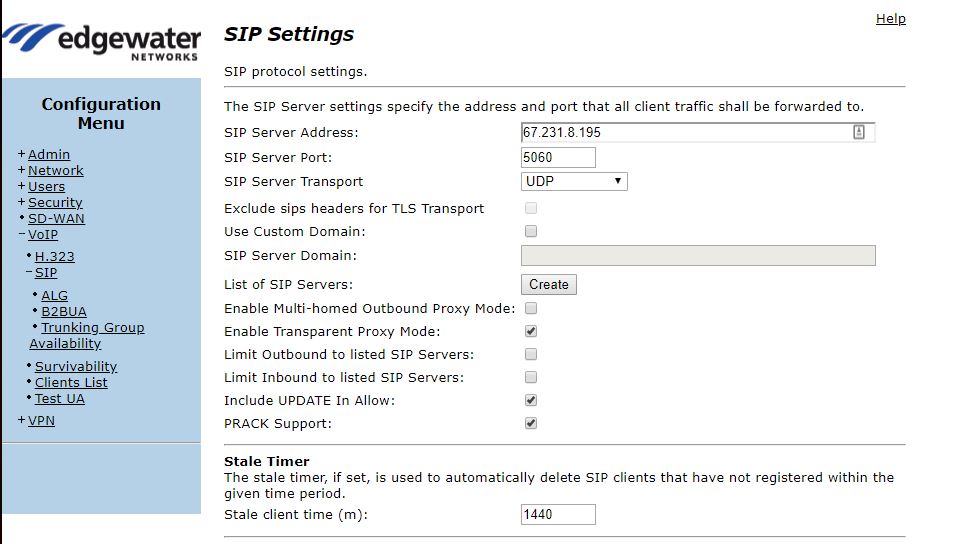
Log into the web interface of the device. On the left of the screen, locate the Configuration Menu. In the menu, locate the VoIP option and click the + symbol to the left to expand the option.
In the expanded options, choose SIP and ensure that you have a SIP server defined to be monitored.
Next, navigate back to the expanded VoIP menu, select the option Survivability, and enable it.
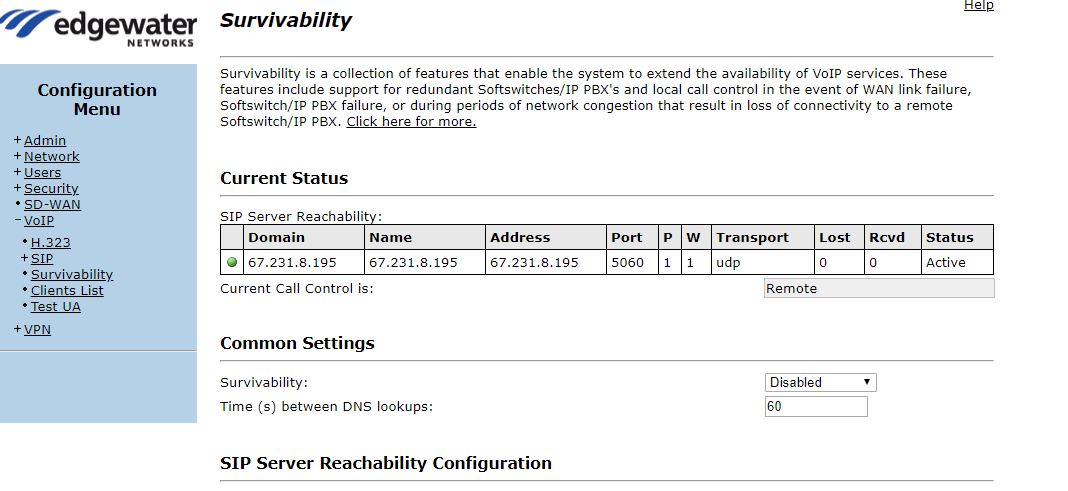
Survivability will allow the phones to remain "registered" and make local calls between themselves. This can be expanded with a 2900a, which would allow for local analog line failover as well.
